Team Messaging, Private DMs, and Client Threads
Team broadcasts, private DMs, and customer threads in one inbox
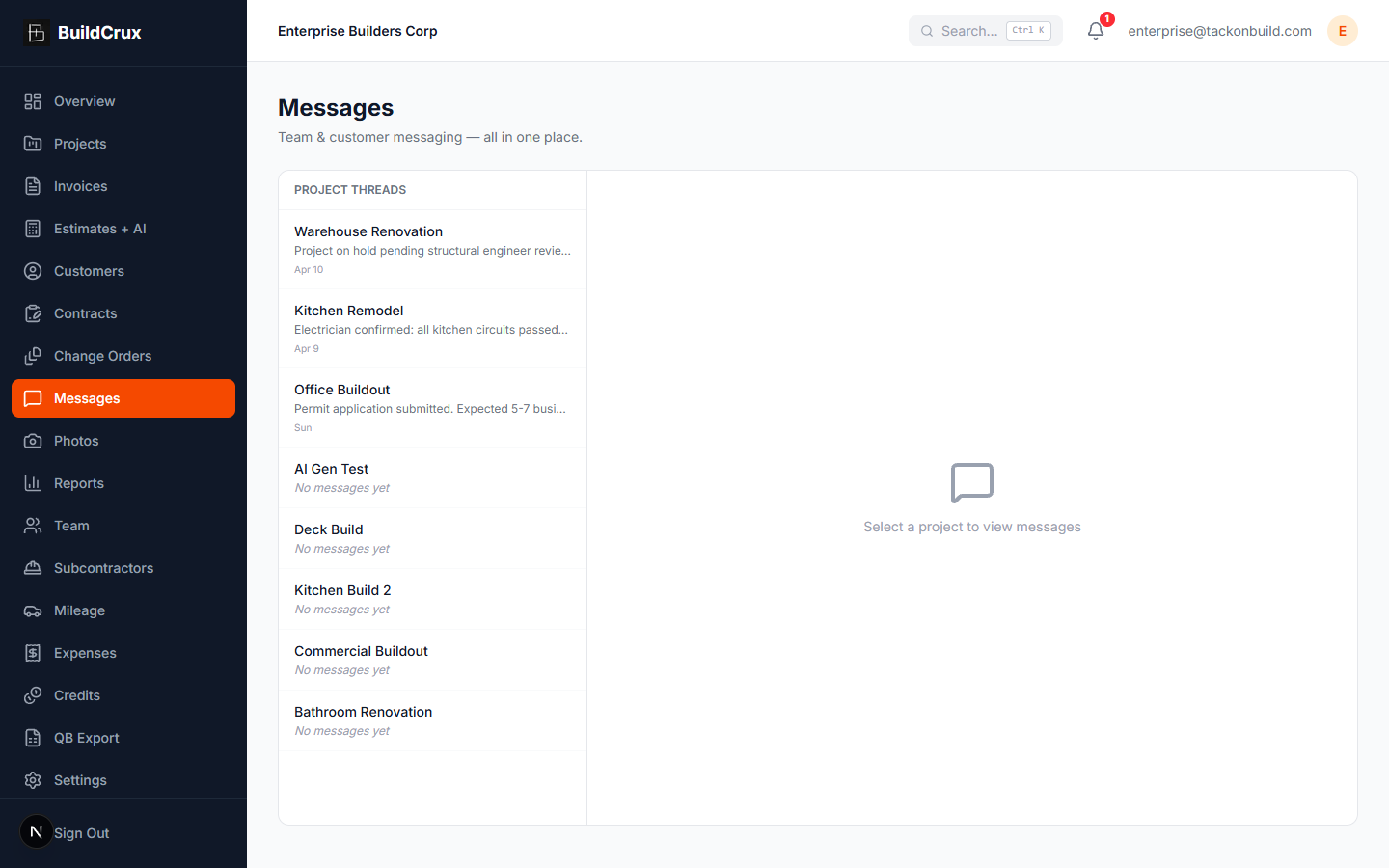
Communicate with team members and customers from a single unified inbox, with customer messages delivered by email. Broadcast to the whole crew, send a 1:1 direct message to a specific teammate (private — owner and other admins can't read it), or message the customer by email — all from the same project thread. BuildCrux keeps every conversation tied to the right project so you never lose context.
What you get
Messages — frequently asked questions
Can I message my crew and my customers from the same place?
Yes. One unified inbox handles crew broadcasts, private 1:1 direct messages to a teammate, and customer threads, all tied to the right project. You compose them from the same place instead of juggling separate apps.
Are direct messages between two teammates actually private?
Yes. A direct message is a private one-to-one thread visible only to the two people in the conversation, kept separate from your crew broadcasts and customer threads. That lets you send a quick note to one teammate without it landing in the wider group channels.
How do customers receive messages — do they need the app?
Customer messages go out by email, so they do not need to install anything to get them. Every customer conversation stays linked to the relevant project automatically.
Can I tell whether someone saw a message, and find old ones later?
Read receipts show who has seen each broadcast or DM. You can also search your whole message history by person, project, or keyword when you need to dig up an older conversation.
Ready to streamline your business?
Try BuildCrux risk-free with our 30-day money-back guarantee — full refund within 30 days.