Team Management for Contractors
Manage your crew with roles and permissions
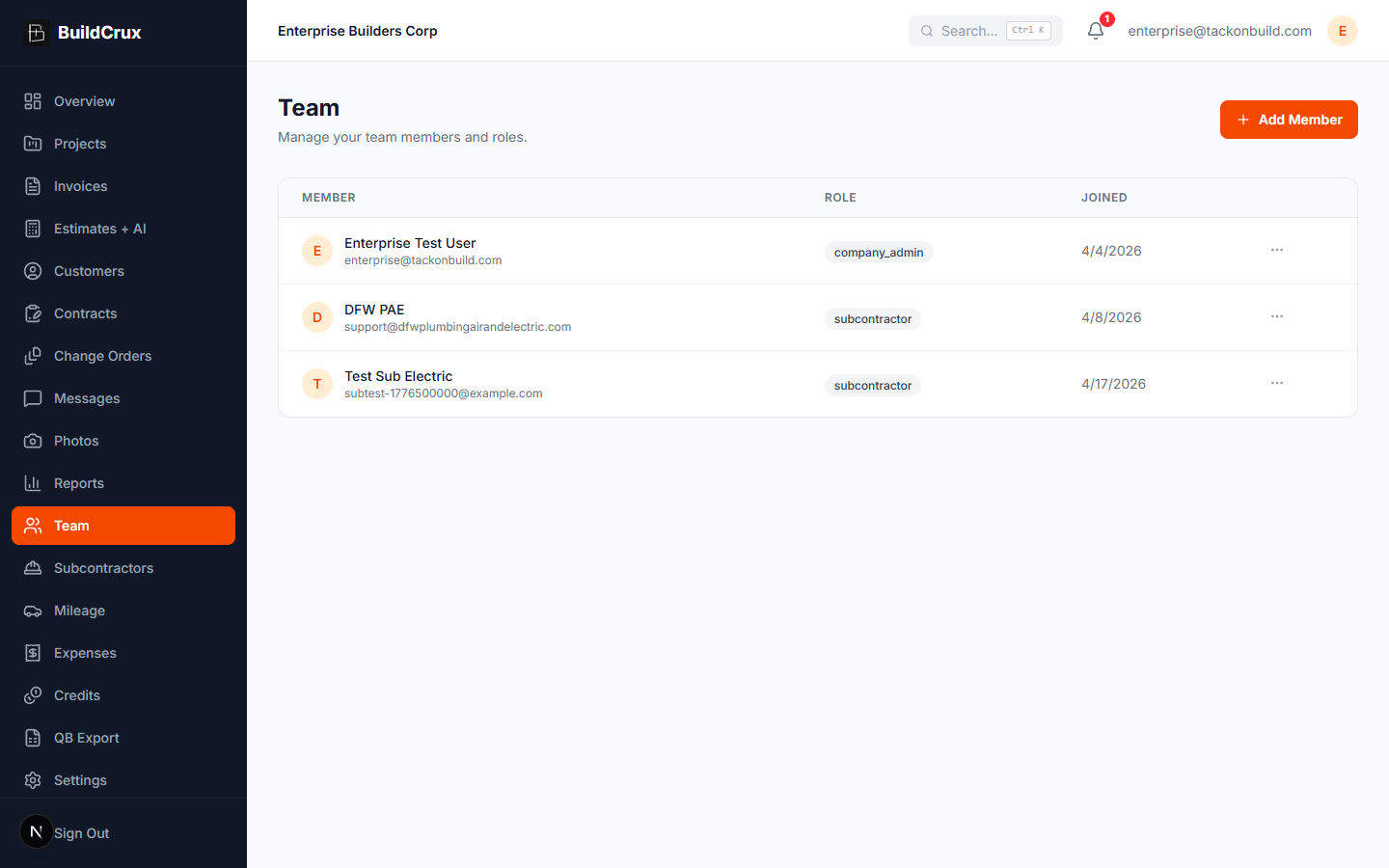
Add team members, assign roles, and control what each person can see and do inside your workspace. BuildCrux makes it easy to onboard employees and office staff with invite-based signup, so everyone has the access they need — and nothing they do not.
What you get
Team — frequently asked questions
How do I add someone to my team?
You invite team members by email with one click, and they set up their own account from the invite link. New hires can be onboarded in minutes instead of filling out anything by hand.
Can I control what each person on my crew is allowed to see and do?
Yes. You assign roles like admin, project manager, or field worker, and control who can view finances, edit projects, or manage clients. Each person gets the access they need and nothing they do not.
Can I see my whole roster and who is still active?
The team roster lists everyone with their role and last-active status, so you always know who has access to your workspace. It is a single view of your crew and their permissions in one place.
Will team management still work as my company grows?
Role-based permissions work the same whether you are a small crew or a larger operation with office staff, so the structure holds up as you add people. Keep in mind each plan includes team-size limits by tier, so a growing team may need a higher plan.
Ready to streamline your business?
Try BuildCrux risk-free with our 30-day money-back guarantee — full refund within 30 days.